

Fortnite
Pins it on your homepage and in the menuToday's Item Shop in real money, what's coming up, and the tools Fortnite players use.
Today's Item Shop in dollars
Shop for Oct 30 · Shop resets at 00:00 UTC
 New
NewFNCS Teal Knight
Outfit · leaves
1,000 V$17.98
 New
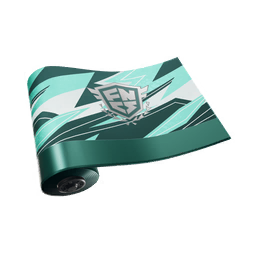
NewKnightly FNCS
Wrap · leaves
500 V$8.99
 New
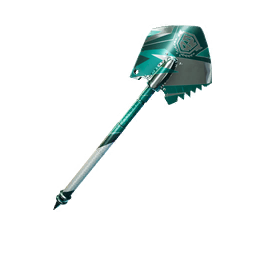
NewFNCS Ice Breaker
Pickaxe · leaves
500 V$8.99
 New
NewTeal Knight's Emblem
Back Bling · leaves
200 V$8.99
 New
NewYeat
Outfit · leaves
2,000 V$22.99
 New
NewHamiKuma
Outfit · leaves
1,600 V$17.98
 New
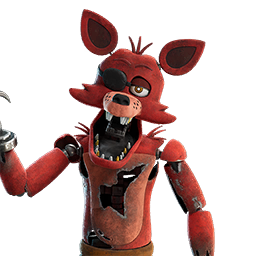
NewFoxy The Pirate
Outfit · leaves
1,600 V$17.98
 New
NewNikki
Outfit · leaves
1,500 V$17.98
 New
NewChica the Chicken
Outfit · leaves
1,500 V$17.98
 New
NewBonnie the Rabbit
Outfit · leaves
1,500 V$17.98
 New
NewFreddy Fazbear
Outfit · leaves
1,500 V$17.98
 New
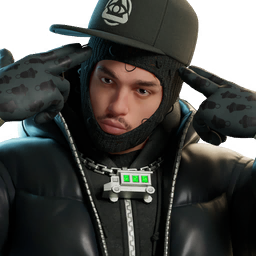
NewTwizz
Outfit · leaves
1,500 V$17.98
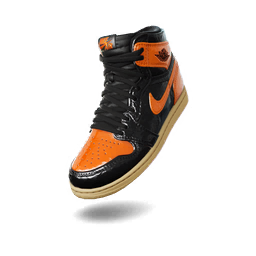 New
NewAir Jordan 1 Retro High OG 'Shattered Backboard 3.0'
Shoes · leaves
1,000 V$17.98
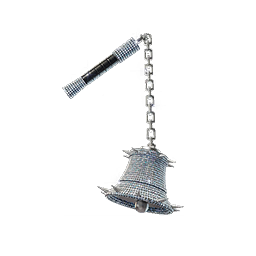 New
NewBell Flail
Pickaxe · leaves
1,000 V$17.98
 New
NewFreddy Slippers
Shoes · leaves
1,000 V$17.98
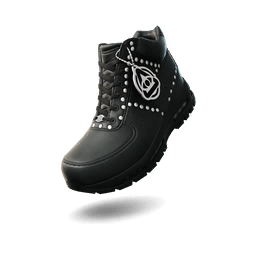 New
NewNike x Yeat Air Max Goadome Lyfestyle Corporation
Shoes · leaves
1,000 V$17.98
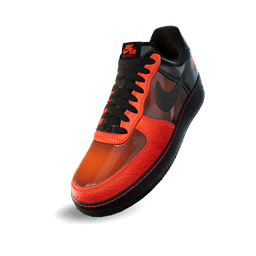 New
NewNike Air Force 1 Low 'Shibuya Halloween'
Shoes · leaves
1,000 V$17.98
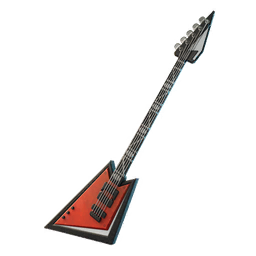 New
NewBonnie's Blazin' Guitar
Back Bling · leaves
800 V$8.99
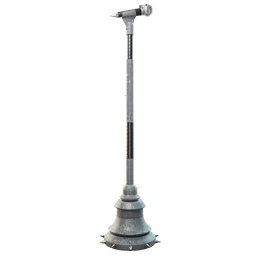 New
NewUp 2 Mic
Pickaxe · leaves
800 V$8.99
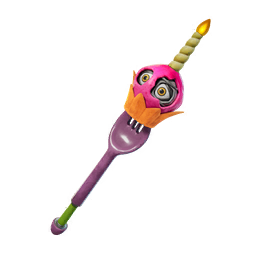 New
NewMr. Cupcake
Pickaxe · leaves
800 V$8.99
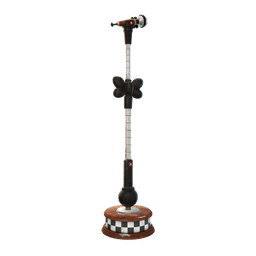 New
NewFreddy's Mic
Back Bling · leaves
800 V$8.99
 New
NewThe Fazbear Band
Emote · leaves
500 V$8.99
 New
NewLuh Dumptruck
Emote · leaves
500 V$8.99
 New
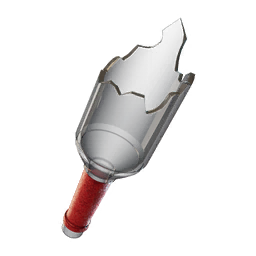
NewNikki's Broken Bottle
Pickaxe · leaves
500 V$8.99
Dollar prices are the cheapest US V-Bucks packs that cover the item if you have none yet, so small items show the price of an 800 pack. Shop data from fortnite-api.com, refreshed every 30 minutes.
Fortnite tools
Can I Run It?
See if your PC meets Fortnite's minimum and recommended specs.
Reads your GPU and RAM in the browser. Takes a few seconds.
Best Fortnite settings
Starting sensitivity
5% - 10% X sensitivity at 800 DPI
Fortnite needs a sensitivity that works for shotgun flicks and for fast edits in a box fight. The two pros listed here play at 5.8% and 6.4% X sensitivity on 800 DPI.
Convert your sensitivityVideo settings
| Rendering Mode | Performance for the highest FPS, DirectX 12 for better visuals on a newer GPU |
|---|---|
| 3D Resolution | 100% (lower gets blurry fast) |
| View Distance | Far (affects chest and item visibility) |
| Shadows | Off (easier to spot players) |
| Anti-Aliasing | Off or Low |
| Textures | Low or Medium (frees VRAM) |
Pro players
- Peterbot6.4% @ 800 DPI
- TaySon5.8% @ 800 DPI
From prosettings.net, checked September 2026. Pros change settings often.
Get Fortnite alerts by email
An email on the dates above, like the season ending. For skins and bundles, add them to a list in the Item Shop and ask to be told when they're back.